Recognisable characters
Book-wide colours and manual passage highlighting. Your corrections take priority over new AI assignments.
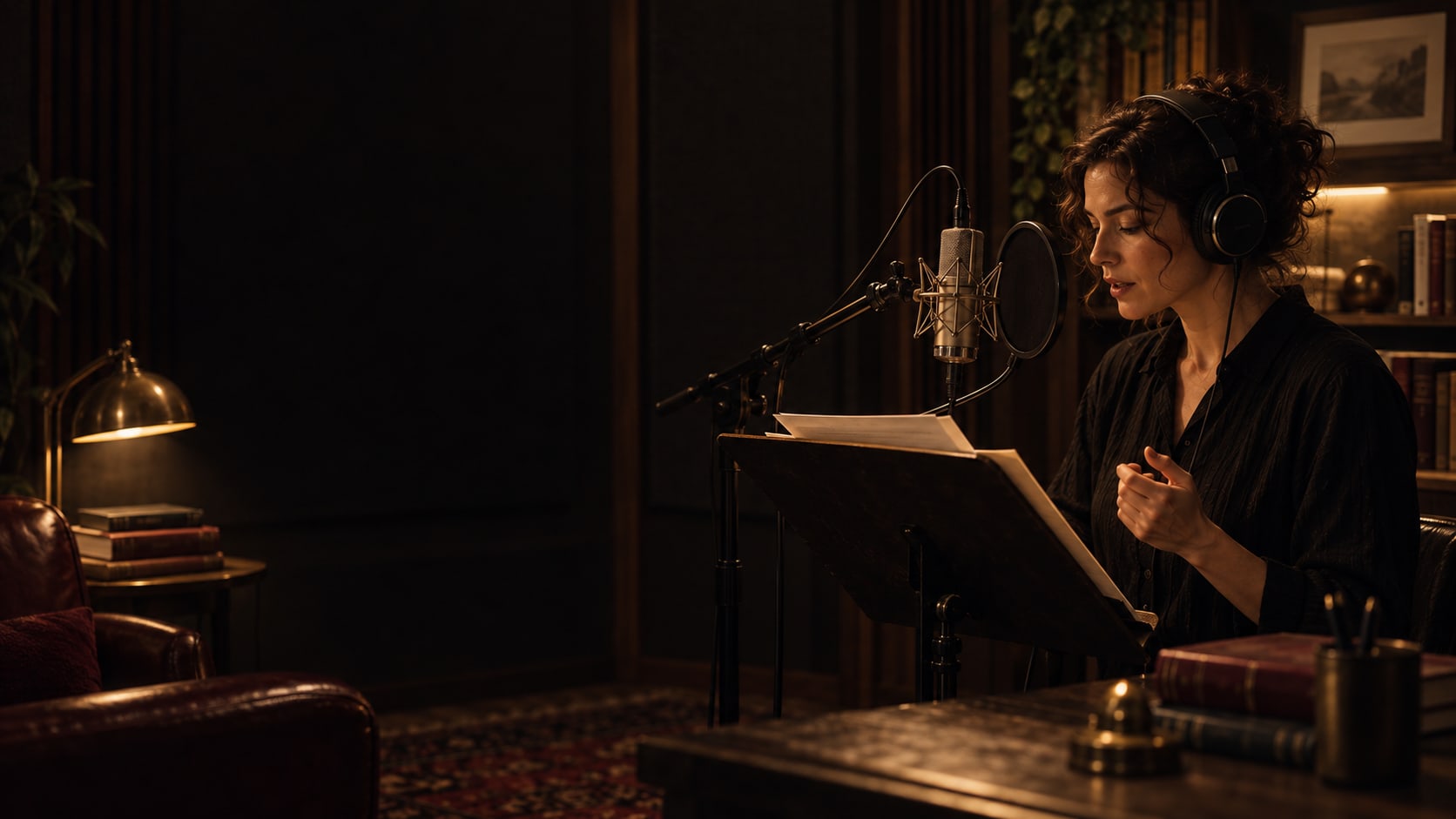
STANDALONE SOFTWARE FOR DIRECTORS & NARRATORS
Turn the text into a performance. Prepare chapters, identify character passages and keep your direction in view while reading – in a dedicated workspace for audiobooks and spoken scripts.
Version 0.4.1 · Windows x64 · Serial key required
01 / FROM TEXT TO RECORDING
For narrators, audiobook authors and directors who develop their interpretation from the original text. From chapter review to an approved reading script.
Read a text-based PDF, DOCX, EPUB, TXT or Markdown file. Review chapter breaks before saving; the saved original text stays locked.
Highlight characters, choose book-wide colours and work on intent, pace, pauses and emphasis. Manually or with optional AI suggestions.
Check quotations and assignments against the text. Only currently approved earlier chapters supply continuity notes for the next analysis.
Use the teleprompter, mark recording progress or export direction PDFs, narrator PDFs and complete .narrava reading packages.
02 / YOUR DEDICATED WORKSPACE
Characters, original passages and direction notes belong together. Correct assignments yourself and decide which interpretation to approve.
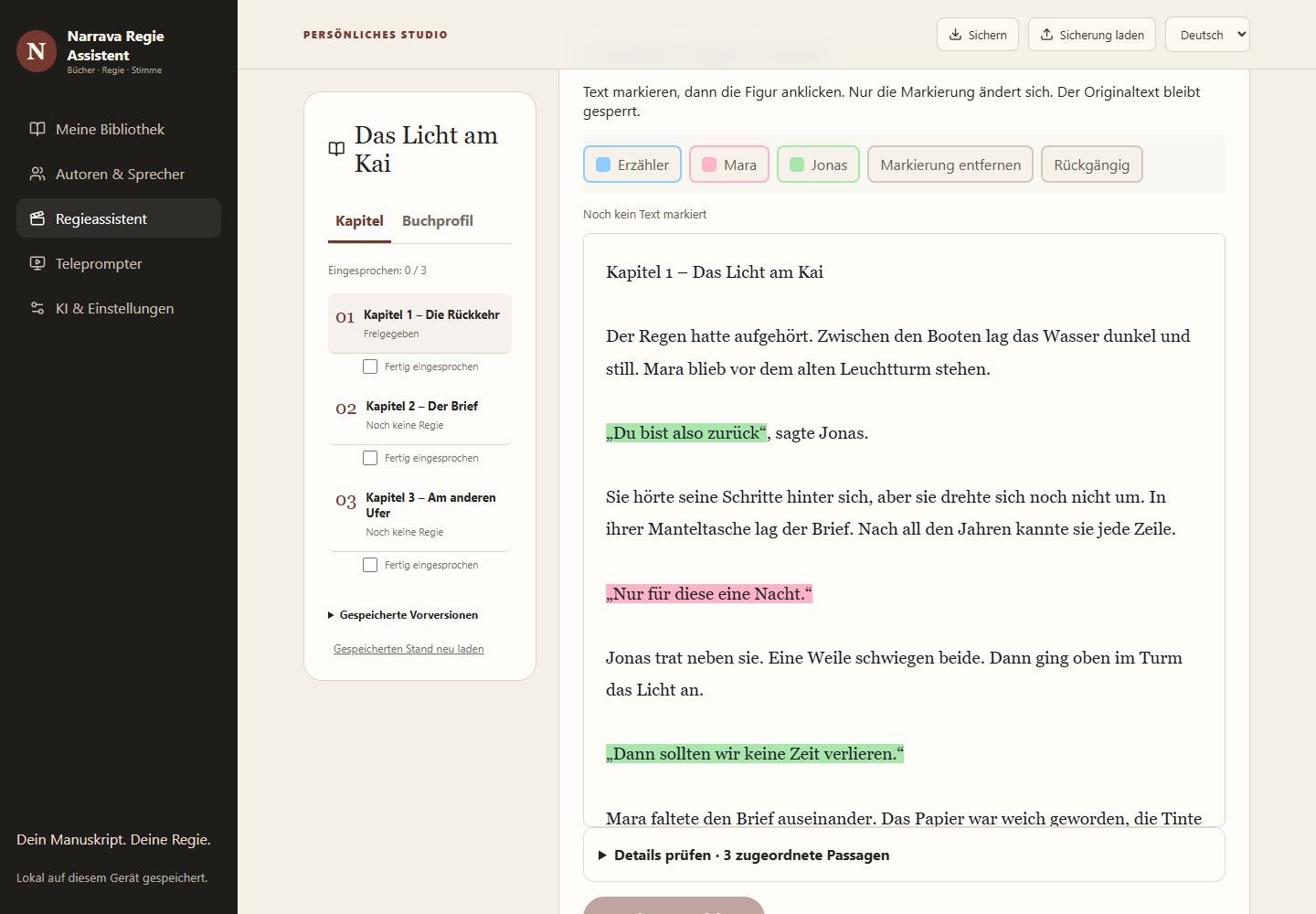
Book-wide colours and manual passage highlighting. Your corrections take priority over new AI assignments.
Adjust speed and text size, mirror the view or go full screen. Show direction notes and character colours when you need them.
PDFs or .narrava packages containing chapter texts, direction and colours. Hand over the reading script you have prepared.
Save books, scripts, profiles and direction history; restore them as copies. API keys and licences are excluded from backups.
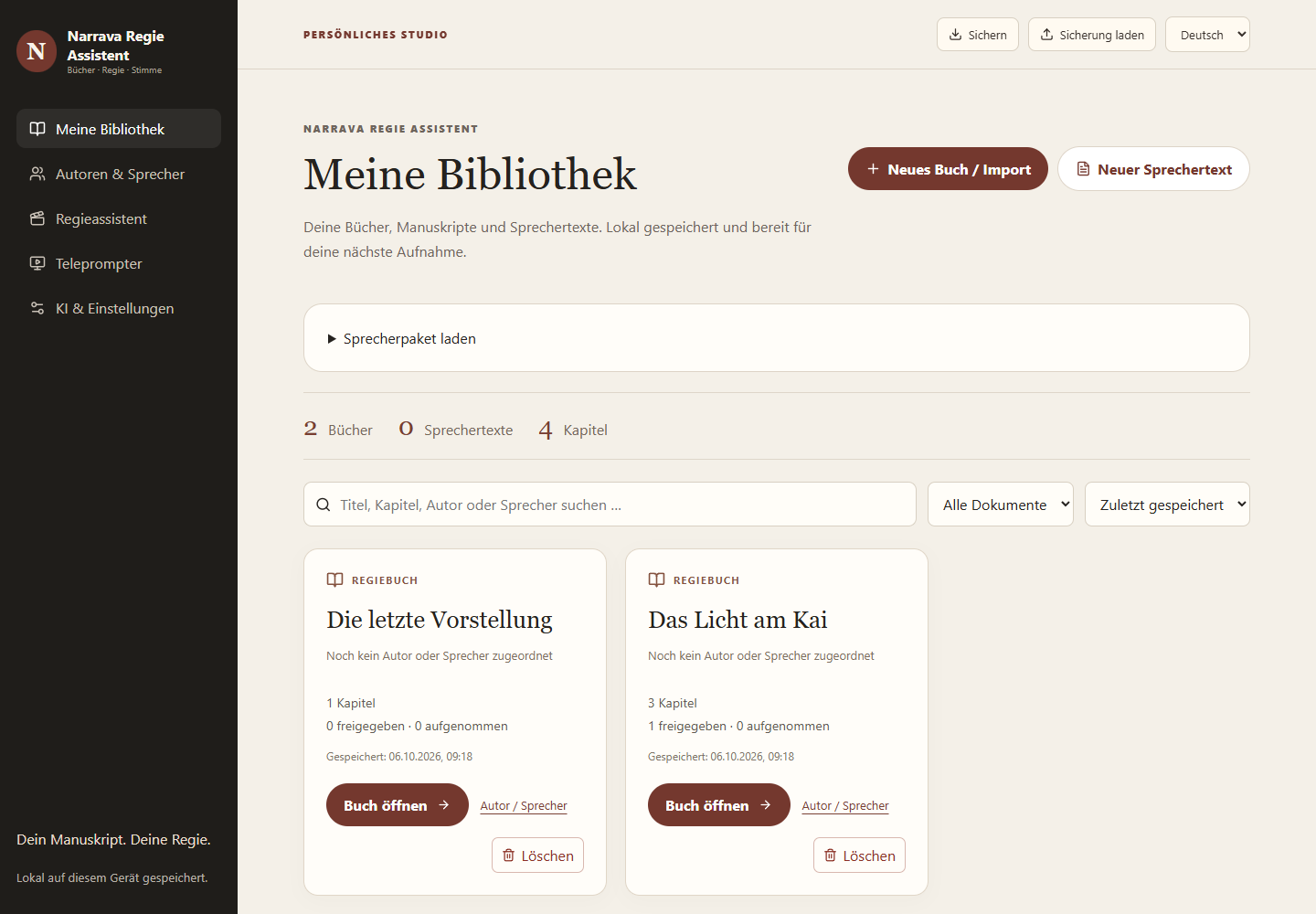
Books and saved reading scripts in one library. Author and narrator profiles, chapter status and backups you can save wherever you choose.
03 / IN RHYTHM WITH YOUR VOICE
Move from a prepared chapter straight into the teleprompter. The original text, character colours and your direction accompany your reading in a focused view you can adjust to your performance.
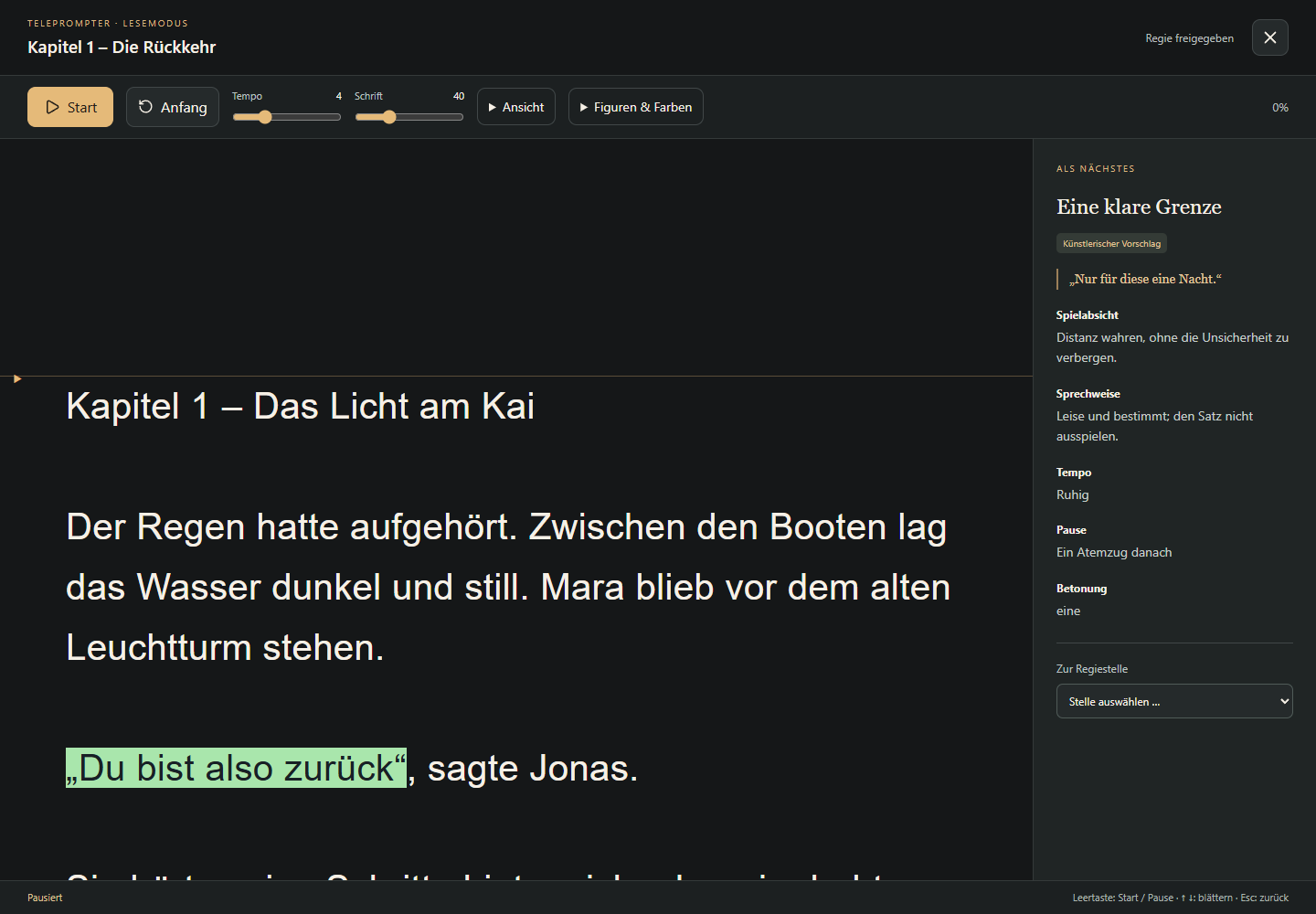
Change scrolling speed during playback without restarting. Adjust text size to suit your reading distance.
Go full screen for a focused reading or mirror the view for your teleprompter setup.
Show direction notes and character colours as needed. Your preparation stays close while you read.
Control your reading with the keyboard and work with your reading position. Track recording progress on each chapter.
04 / YOUR CHOICE
Work entirely by hand, use your own OpenAI account or connect a local Ollama model. You explicitly start each analysis and review every suggestion yourself.
05 / YOUR SEPARATE DOWNLOAD
A valid Narrava Regie Assistent serial key is required to use the software. Install the application and enter your serial key in the app. Studio and Audio keys apply to their respective products. The download does not include a serial key.
Enquire about a serial key ↗Pricing will be announced.
Published 5 October 2026
144.3 MB · Windows x64
✓ Digitally signed by MetaSites Studio LLC with a Microsoft timestamp.
Narrava-Regie-Assistent-Setup-0.4.1.exe
144,320,112 Bytes
SHA-256
65f5cf869f09fab75b4bfe9e32499f288ac4992b10787f91b073d010ca5566d3Download SHA-256 checksum ↓Delete direction books and reading packages directly from the library. Change scrolling speed during playback without restarting the teleprompter.
Download and run the signed Windows installer.
Activate the application with your own Regie serial key.
Import your first book, develop your direction and read in the teleprompter.
No. Regie Assistent is a separate application with its own installer, local library and activation. Narrava Studio and Narrava Audio remain separate marketing products.
The workspace prepares manuscripts and reading scripts and supports reading in the teleprompter. “Recording complete” tracks chapter status. It is not an audio recording or editing feature.
No. You can edit characters and direction manually. Optional OpenAI analyses use your own API key; alternatively, you can configure local Ollama.
Yes. They show the running 0.4.1 application with purpose-written demo text and manually created direction. No customer content or AI provider calls were used.